Tag Spreadsheet Template
This template contains tags and tag categories used in a project. Tags are labels used in AVAnnotate to index, organize, and discover topics in the annotations. Tag groups can be used to organize the tags. For instance, tags might contain the names of speakers featured on the recording(s), which could be organized under the tag group “speaker.” Tags might also include “Transcript” and “Notes” to distinguish annotation types. Tags can also be used to organize concepts, themes, or features that appear across several recordings (e.g., “Shouting” as a tag and “Tone of Voice” as a group). Consistency in tag spelling and capitalization is imperative. Different spellings or capitalizations will result in different tags. A tag can belong to multiple tag groups. For example, the tag “Zora Neale Hurston” may appear in the tag groups “Speaker” and “Topic” (depending on the event context) or may not be categorized as part of a tag group at all.
A single tag can contain multiple words, accents, and commas (e.g., “Gloria Anzaldúa, Texas, 1942-2004”), but should adhere to URL-safe characters guidelines (Alphanumeric [0-9a-zA-Z], special characters $-_.+!*’(),).
Tag Spreadsheet Template
Tag: Each unique tag that occurs across the project. Tags are only repeated if they belong to multiple groups.
Group: Each unique category of tag that occurs across the project. Groups may not repeat.
Tags and tag groups can only be uploaded via a spreadsheet if there are no existing tags or tag groups in the project.
Uploading Batches of Tags and Tag Groups
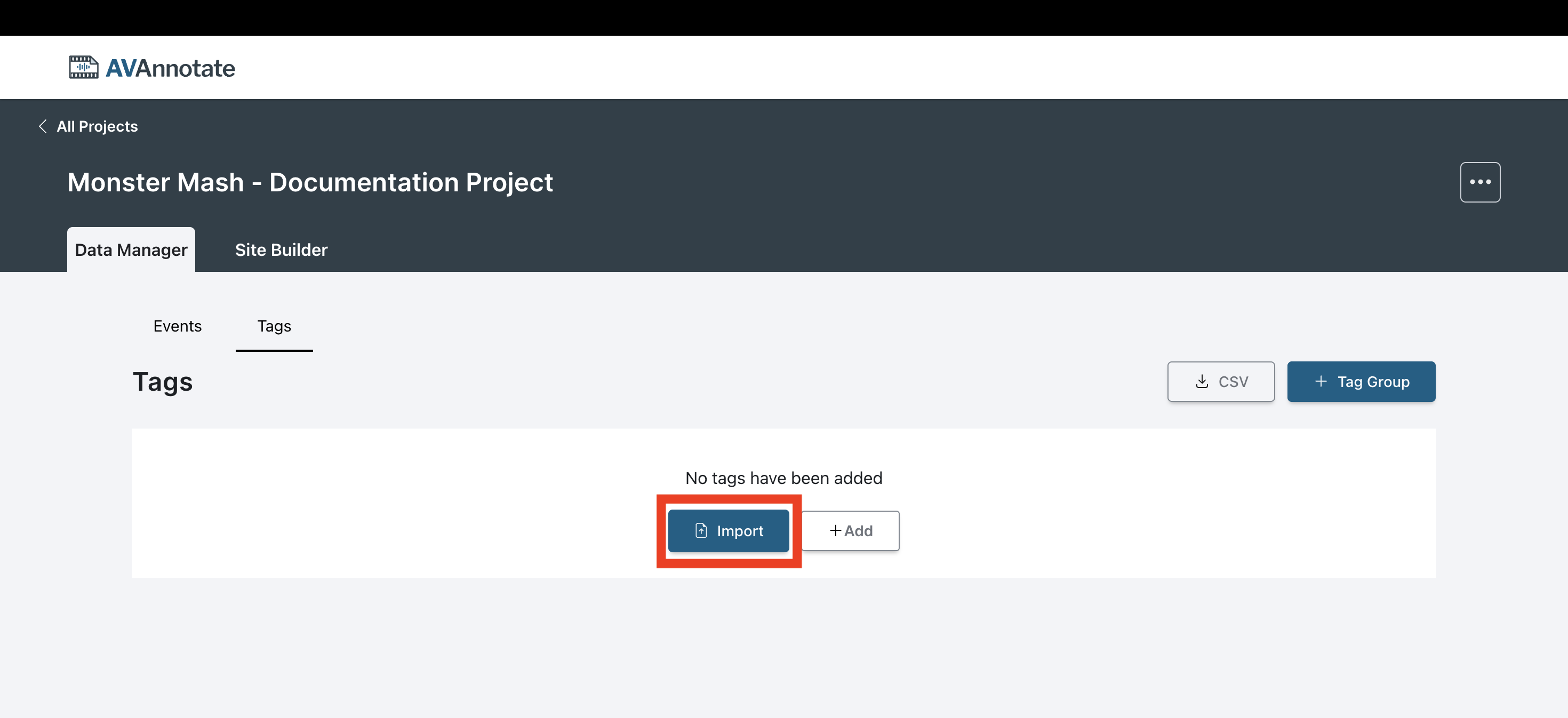
Tag spreadsheets should be imported before importing annotation spreadsheets that have tags. When annotation spreadsheets containing tags are imported, they are matched to the previously imported tags and tag groups. Tag spreadsheets can be imported into an AVAnnotate project via the Import button found under the Tags tab in the Data Manager of the AVAnnotate project.